A fitting room on every apparel page you sell.
Your shopper uploads one photo and types their height. They see the garment on their own body, and they get the size that fits them in that product.
Wrong sizes are the #1 driver of apparel returns. Mirraya puts the fitting room back on the product page, so the size is settled before the parcel ships.
Who it's for
The problem
The returns bill is a sizing bill.
of online apparel sales come back, 23.4% in 2025.
of womenswear returns come down to size, not taste.
of shoppers are less likely to buy again after one bad returns experience.
Clothing comes back more than anything else online. The habit behind it is bracketing: several sizes ordered, most sent back, because nobody can tell which will fit.
The solution
See the fit before the sale.
Mirraya sits inside the page a shopper is already on. They see the garment on their own body, and they size themselves against your chart for that product, in the moment they are deciding.
Your garment, rendered onto the photo they uploaded. Not a model who is nothing like them.
A shopper who can see the fit and the size stops buying two and sending one back. The guess comes out of the funnel, and every avoided return is margin you keep.
Which garments run small, which sizes shoppers hesitate on, and where your size charts disagree with reality.
The widget, live
Try it the way your shopper would.
This is the widget that drops onto your product page. See how it looks on you, and know your size before you buy. One photo does both.
Top
Everyday Crew Tee
$42
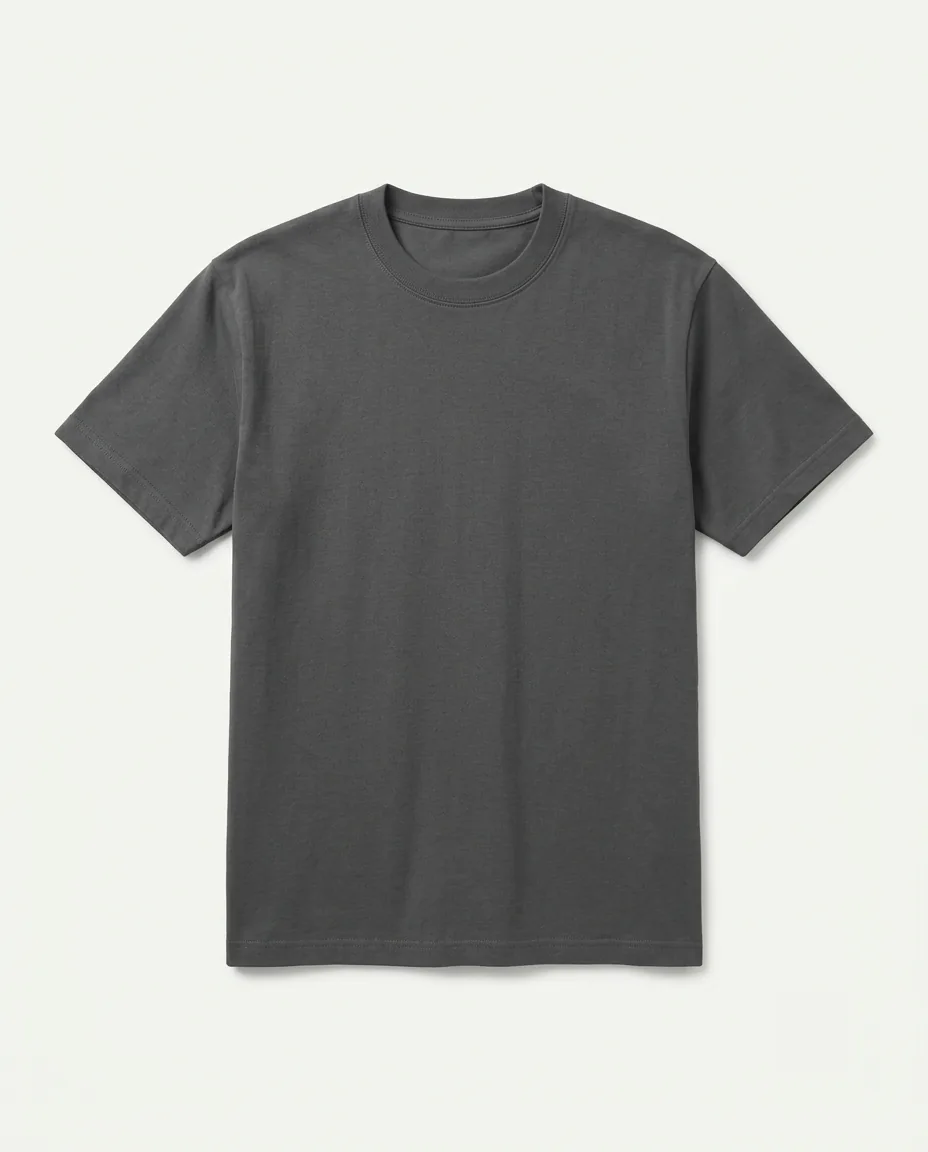
Charcoal grey heavyweight cotton crew-neck short-sleeve t-shirt with a straight regular fit.
A recorded run of the real widget, on a mock of a product page.
A shopper is sized once, not once per product. Every other item is checked against measurements they have already given.
What a retailer gets
Your dashboard.
The same six sections you get on your first login. Click through them.
Overview
Onboarding
How you go live.
Three steps, and only the first one needs anything from you.
-
01
Send us your size charts
The one thing we can't derive. Your catalog we can pull ourselves; the measurements behind each size are yours, and they're what every recommendation is made against.
-
02
We run your own catalog through it
Before anything goes live. You see what came back for your products, not a demo store's, and you decide from that.
-
03
One script tag goes on your product page
Shopify, WooCommerce, custom or headless. It matches your brand, and it's the whole integration.
Privacy
What happens to the photo.
It never reaches our servers
Measured in memory, then discarded. A copy stays on the shopper's own device for 24 hours so they don't re-upload for every item, and one tap clears it.
No account, no name, no email
A shopper is an anonymous per-browser id. What we keep is measurements and sizing events.
Every preview says it is AI-generated
The label is part of the image, not the page around it, so it stays on the picture wherever a shopper sends it.
Start here